

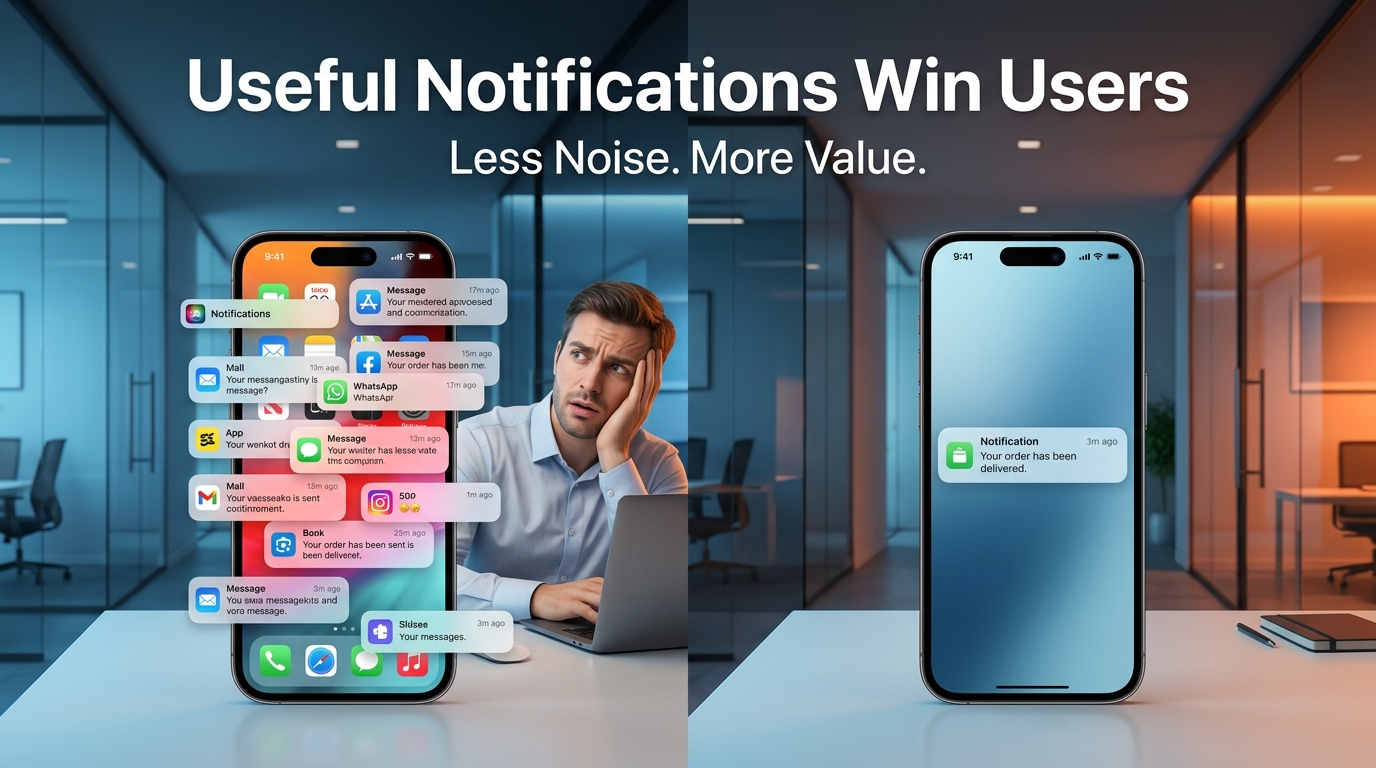
Why Push Notifications Should Be Useful, Not Annoying
Push notifications are one of the most effective communication tools available for mobile apps. They can remind users to complete an action, share important updates, and encourage people to return to your app.
But there's a fine line between being helpful and becoming a distraction.
When notifications provide value, users appreciate them. When they're frequent, irrelevant, or repetitive, users quickly become frustrated.
In many cases, excessive notifications don't increase engagement—they reduce it.
Understanding when and why to send notifications is essential for building a successful mobile application.
Why Push Notifications Matter
A well-timed notification can bring users back into your app at exactly the right moment.
Examples include:
- Order and delivery updates
- Payment confirmations
- Appointment reminders
- Security alerts
- New messages
- Booking confirmations
- Account activity notifications
These notifications are expected because they help users stay informed.
The problem begins when every marketing message is treated like an urgent alert.
The Cost of Too Many Notifications
Many businesses believe sending more notifications will increase engagement.
In reality, the opposite often happens.
Users begin ignoring notifications.
They swipe them away without reading.
Eventually, they disable notifications completely—or uninstall the app.
Once you've lost permission to communicate, it's difficult to rebuild that relationship.
What Makes a Good Push Notification?
A great notification is built around three principles:
1. Relevance
Every notification should relate to something the user actually cares about.
Instead of sending the same message to everyone, personalize notifications based on user activity, preferences, or location.
2. Timing
Even useful notifications become annoying if they're sent at the wrong time.
Avoid sending promotional notifications late at night or during busy working hours unless they're time-sensitive.
Choose moments when users are most likely to engage.
3. Value
Every notification should answer one simple question:
"What's in it for the user?"
If the notification doesn't save time, provide important information, or solve a problem, reconsider sending it.
Examples of Helpful Notifications
Helpful notifications include:
- "Your package has been delivered."
- "Your meeting starts in 15 minutes."
- "Your password was changed successfully."
- "A new message is waiting for you."
- "Your payment has been received."
These messages are useful because they keep users informed.
Examples of Poor Notifications
Notifications like these often create frustration:
- "Open our app now!"
- "We miss you!"
- "Special offer!" (sent every day)
- "Check out our latest update!" (without explaining why)
If users can't immediately see the value, they'll stop paying attention.
Personalization Makes the Difference
People respond better to notifications that feel relevant.
For example:
A fitness app reminding someone about their scheduled workout.
A food delivery app notifying a user that their favorite restaurant has reopened.
A banking app warning about unusual account activity.
Personalized notifications feel helpful instead of intrusive.
Give Users Control
Not every user wants the same type of notifications.
Allow users to choose what they receive.
For example:
- Marketing offers
- Order updates
- Product announcements
- News
- Security alerts
Giving users control increases trust and reduces the chances they'll disable notifications entirely.
Measure What Matters
Instead of counting how many notifications you send, measure:
- Open rate
- Click-through rate
- User retention
- Notification opt-out rate
- Session duration after opening
These metrics show whether your notification strategy is actually helping users.
Final Thoughts
Push notifications should strengthen your relationship with users—not interrupt it.
Every notification competes for your user's attention.
If you respect that attention by sending messages that are timely, relevant, and valuable, users are far more likely to engage with your app and continue using it.
Sometimes, sending fewer notifications is the smartest strategy.
Because the best notification is one the user is happy to receive.
Frequently Asked Questions
How many push notifications should an app send?
There is no universal number, but quality is more important than quantity. Send notifications only when they provide genuine value or require user attention.
Do push notifications improve user retention?
Yes. Relevant and timely notifications can encourage users to return to your app, complete important actions, and stay engaged over time.
What types of notifications do users appreciate most?
Users generally value notifications related to orders, payments, reminders, security, appointments, messages, and other information directly connected to their activity.
Can too many notifications hurt an app?
Yes. Excessive or irrelevant notifications can lead users to disable notifications, ignore future messages, or uninstall the app entirely.
Blog CTA
Push notifications shouldn't interrupt your users—they should help them.
A thoughtful notification strategy improves engagement, strengthens customer relationships, and builds long-term trust.
At GoTech Studio, we create mobile applications that combine smart technology with meaningful user experiences. From personalized notifications to scalable app development, we help businesses build products that users enjoy coming back to.
Let's build an app that communicates with users the right way.