
How Push Notifications Can Increase User Engagement
Getting someone to download your mobile app is an important milestone.
But downloads don't guarantee success.
The real challenge is getting users to return.
A user might download your application today, open it once, and never come back.
This is where push notifications can become an important part of your engagement strategy.
When used correctly, notifications can remind users about important activities, provide useful updates, encourage them to complete an action, and bring them back to the application at the right moment.
But there is an important distinction:
More notifications don't necessarily mean more engagement.
The goal is to send useful notifications at the right time to the right users.
What Are Push Notifications?
Push notifications are messages sent from an application to a user's device.
They can appear even when the user isn't actively using the app.
For example:
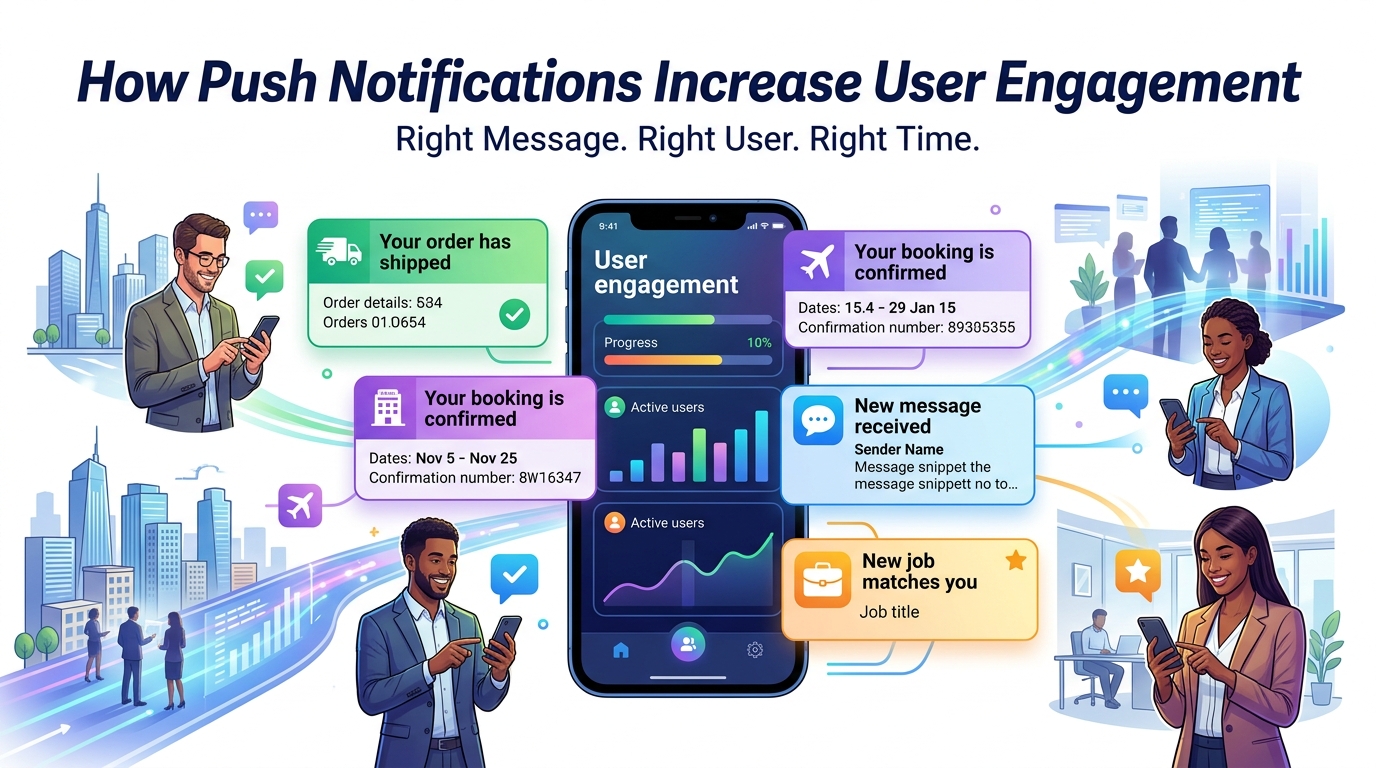
Your order has shipped.
Your appointment starts tomorrow.
You received a new message.
A new job matches your profile.
Your favorite product is back in stock.
These messages create a direct communication channel between an application and its users.
Why User Engagement Matters
User engagement is about how users interact with your product.
Depending on your application, engagement could mean:
- Opening the app
- Reading content
- Placing an order
- Booking a service
- Sending messages
- Watching videos
- Completing a task
- Returning regularly
High engagement can indicate that users are finding value in your application.
Low engagement may indicate that users don't have enough reasons to return.
Push notifications can support engagement by reminding users about meaningful activities.
1. Bring Users Back to Your App
Users have many applications installed on their phones.
Your app can easily get forgotten.
A useful notification can remind users that your application has something relevant for them.
For example:
An e-commerce user adds a product to their wishlist.
Later, that product goes on sale.
A notification could say:
The product you saved is now on sale.
That's more useful than sending a generic message saying:
Open our app today!
The first notification provides a clear reason to return.
2. Provide Real-Time Updates
Some applications depend heavily on timely information.
For example:
Delivery App
Your driver is 5 minutes away.
Booking App
Your appointment has been confirmed.
Payment App
Your payment was completed successfully.
Social App
You received a new message.
Job App
A new job matches your profile.
These notifications aren't simply marketing.
They are part of the actual product experience.
3. Improve Customer Communication
Without notifications, users may need to repeatedly open an application to check for updates.
Push notifications can reduce that effort.
For example, an order doesn't require the customer to constantly check the order screen.
Instead, the app can notify them when something important changes.
This creates a more convenient experience.
4. Encourage Users to Complete Actions
Notifications can also help users finish actions they started.
For example:
A customer adds products to their cart but doesn't complete the purchase.
A carefully timed reminder could say:
You still have items waiting in your cart.
Similarly:
A user starts filling out a profile but doesn't finish.
A notification can remind them to complete it.
A booking process is started but not completed.
A reminder can encourage them to return.
These notifications should be used carefully and only when they provide genuine value.
5. Increase Retention
Getting a user to download your application is one thing.
Keeping them active is another.
Retention measures whether users continue returning to your application over time.
Useful notifications can support retention by giving users relevant reasons to come back.
For example:
A fitness app could remind users about their planned workout.
A learning app could remind users about an unfinished lesson.
A financial application could notify users about important account activity.
A booking app could remind users about upcoming appointments.
The notification supports the user's goal instead of interrupting them randomly.
6. Personalize Notifications
Not every user needs the same message.
Imagine an e-commerce app with 100,000 customers.
Sending exactly the same notification to everyone isn't necessarily effective.
Instead, users can potentially be segmented based on appropriate data and consent.
For example:
New users
Returning customers
Frequent buyers
Users interested in specific categories
Users with abandoned carts
Users with upcoming bookings
This allows the business to send more relevant messages.
7. Use the Right Timing
Timing can make a significant difference.
A useful notification at the wrong time can still be annoying.
Imagine receiving a promotional notification at 3 AM.
The message might be relevant.
The timing isn't.
For some applications, notifications should be based on events.
For others, timing can be based on user activity, preferences, or business rules.
The key principle is:
Don't just ask what to send. Ask when the user actually needs it.
8. Use Notifications for Important Reminders
Reminders are one of the most practical uses of push notifications.
Examples include:
- Appointment reminders
- Subscription renewals
- Payment reminders
- Booking reminders
- Task reminders
- Event reminders
- Order updates
These notifications can provide real value because they help users avoid forgetting something important.
9. Support Personalized Marketing
Notifications can also be used for marketing.
For example:
A product you viewed is now discounted.
New collection available.
Your favorite service has a new offer.
Your membership benefit is available.
However, marketing notifications should be relevant and appropriately permissioned.
Users should feel that the message is useful rather than intrusive.
10. Deep Linking Can Improve the Experience
A notification becomes more useful when it takes the user directly to the relevant part of the application.
For example:
The user receives:
Your order has been shipped.
When they tap the notification, the app opens directly to:
Order Tracking
Instead of:
Home → Orders → Find Order → Tracking
This reduces friction.
The notification and the application experience should work together.
11. Notifications Can Support Customer Service
Push notifications can also improve support communication.
For example:
Your support request has been updated.
A support agent replied to your message.
Your refund has been processed.
Instead of repeatedly checking the application, the customer receives an update when something changes.
12. Use Analytics to Measure Results
Don't assume notifications are working simply because they are being sent.
Measure their performance.
Useful metrics can include:
- Delivery rate
- Open rate
- Click-through rate
- Conversion
- Unsubscribe or opt-out behavior
- App sessions after notification
- Retention
- Revenue generated, where appropriate
These metrics can help determine which notification strategies are actually useful.
13. Avoid Notification Overload
This is one of the biggest mistakes businesses make.
Imagine receiving:
Good morning!
Then:
Check our new products!
Then:
Special offer!
Then:
Don't forget us!
Then:
Another promotion!
Users may eventually disable notifications completely.
The goal should not be to maximize the number of notifications.
The goal should be to maximize the value of each notification.
14. Give Users Control
Users should have reasonable control over what notifications they receive.
Depending on the application, you could allow users to manage categories such as:
Orders
Messages
Bookings
Promotions
Recommendations
Account Activity
This gives users more control and can improve the overall experience.
15. Use Segmentation
Different groups of users may require different communication.
For example:
New User
Complete your profile to get started.
Returning Customer
Your favorite products are back in stock.
Inactive User
New features are available in the app.
Active Customer
Your order is ready for delivery.
These messages serve different purposes.
Segmentation allows businesses to avoid sending irrelevant information to everyone.
16. Combine Notifications With In-App Experience
A notification should not exist in isolation.
It should connect to what happens inside the application.
For example:
Notification
"Your appointment is tomorrow."
↓
User taps
↓
Appointment screen opens
↓
User sees date, time, location, and details
↓
User confirms
This creates a complete experience.
Example: E-Commerce Notification Strategy
Imagine an e-commerce application.
Instead of sending random promotional messages, the business could create a structured notification strategy.
Order Confirmation
Your order has been confirmed.
Shipping Update
Your order has shipped.
Delivery Update
Your order is arriving today.
Personalized Offer
A product you saved is now on sale.
Re-engagement
New products have arrived in a category you follow.
Each notification has a specific purpose.
Example: Booking App
A booking application could use notifications for:
Booking Confirmation
Your appointment has been confirmed.
Reminder
Your appointment is tomorrow.
Same-Day Reminder
Your appointment starts in two hours.
Schedule Change
Your appointment time has been updated.
Follow-Up
How was your experience?
These messages can make the entire booking process easier.
Push Notifications and User Privacy
Notifications should be designed with privacy in mind.
Avoid exposing unnecessary personal or sensitive information in notification previews.
For example, instead of displaying highly detailed private information on a locked screen, a notification can use a more general message and let the user open the app for details.
Businesses should also follow applicable privacy requirements and platform policies.
Push Notifications Are Not a Magic Solution
It's important to understand that notifications cannot fix a poor product.
If your application:
- Crashes frequently
- Loads slowly
- Has confusing navigation
- Doesn't solve a real problem
- Provides little value
sending more notifications won't solve the underlying problem.
Notifications work best when they're part of a strong overall product experience.
The Right Notification Strategy
A good notification strategy can be summarized as:
Right User
Send relevant information to the appropriate audience.
Right Message
Give users a clear reason to care.
Right Time
Send the message when it is useful.
Right Destination
Take the user to the relevant part of the application.
Right Frequency
Avoid unnecessary interruptions.
How GoTech Studio Can Help
Push notifications require more than simply displaying a message.
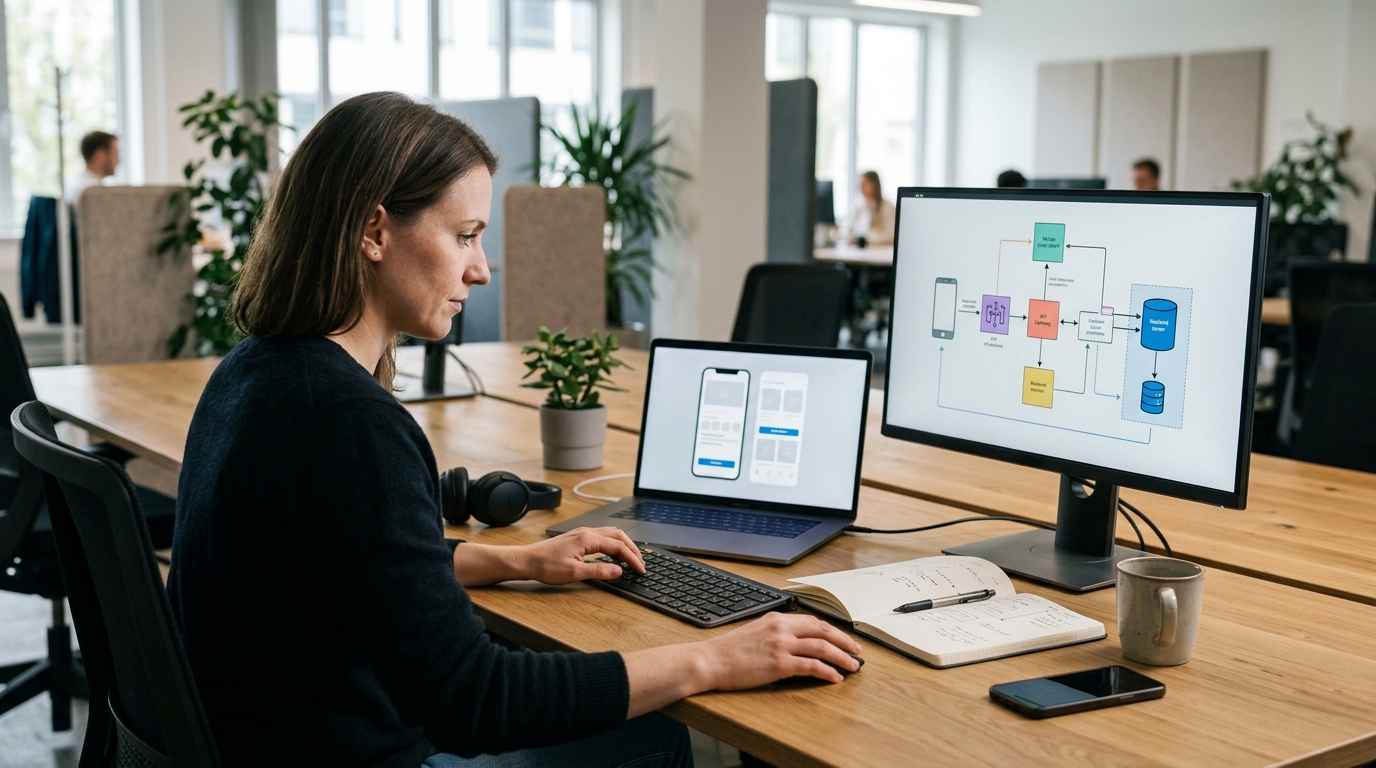
A complete implementation may involve:
- Mobile app integration
- Backend APIs
- Notification service
- User preferences
- Device token management
- Notification scheduling
- Segmentation
- Deep linking
- Analytics
- Permission handling
The exact architecture depends on the application and its requirements.
When these pieces work together, notifications can become part of a useful customer communication system.
Final Thoughts
Push notifications can be a powerful tool for mobile applications.
They can remind users about important activities, provide real-time updates, support customer service, encourage meaningful actions, and bring users back to the app.
But the goal shouldn't be:
"How many notifications can we send?"
The better question is:
"What useful information can we give users at the moment they need it?"
The best notifications don't feel like interruptions.
They feel helpful.
Right message. Right user. Right time.
That's how notifications can become a valuable part of the user experience.
Frequently Asked Questions
Do push notifications really increase engagement?
They can, when they are relevant, timely, and connected to a useful product experience. Poorly targeted notifications can have the opposite effect.
How often should an app send push notifications?
There is no universal number. Frequency should depend on the type of application, user expectations, notification category, and user preferences.
Should every notification be promotional?
No. Transactional and service-related notifications are often more useful, such as order updates, booking reminders, and account activity.
Can notifications be personalized?
Yes. Applications can use appropriate user data and segmentation to send more relevant messages, while respecting privacy and permission requirements.
Can a notification open a specific app screen?
Yes. Deep linking can take users directly to the relevant screen instead of simply opening the application's home page.
Can push notifications work with Flutter?
Yes. Flutter applications can integrate with push notification services and backend systems to deliver notifications across supported platforms.
Blog CTA
Want to build a mobile application with a complete notification and engagement strategy?
GoTech Studio helps businesses build mobile apps with UI/UX design, Flutter and native development, backend APIs, notifications, analytics, integrations, and ongoing support.
Have an app idea? Let's build an experience that gives users a reason to come back.