

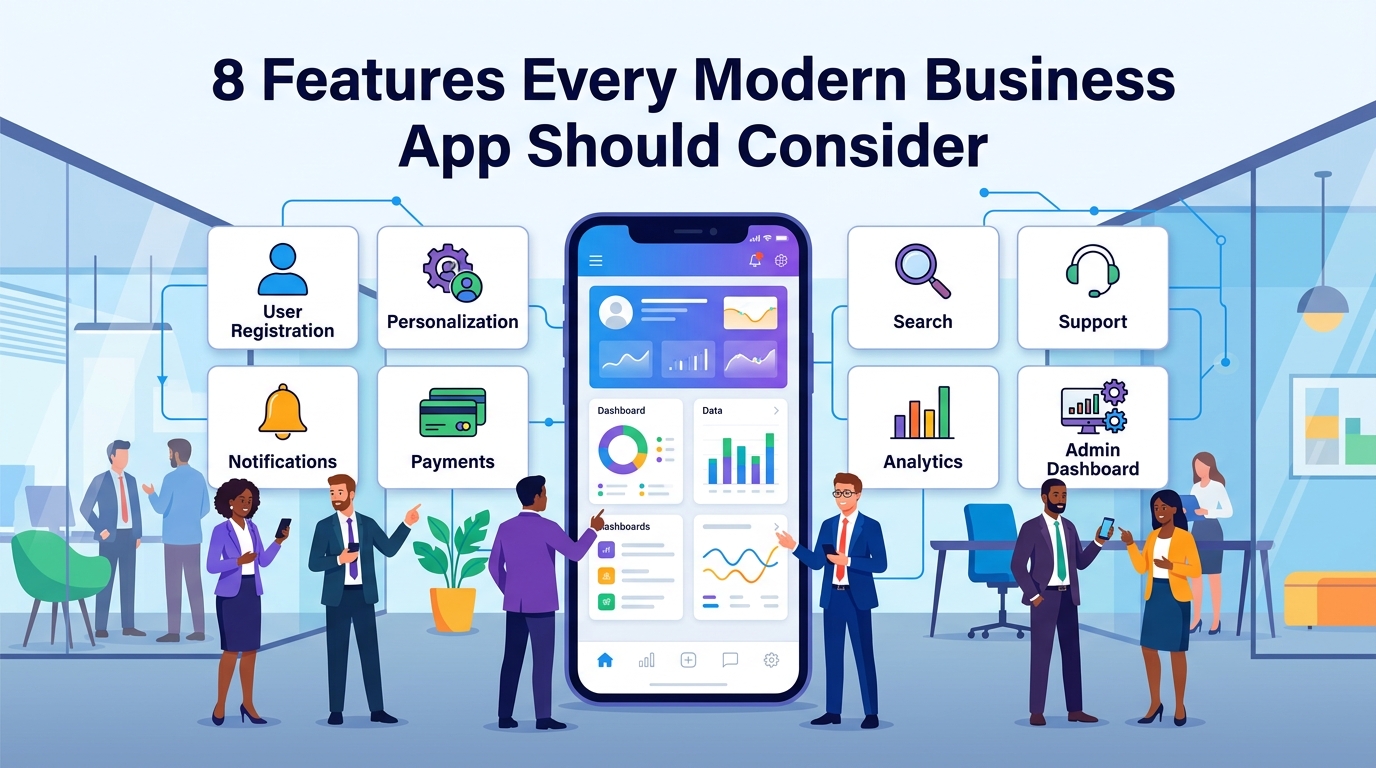
8 Features Every Modern Business App Should Consider
A modern business app is more than a collection of screens.
Customers expect digital products to be fast, simple, convenient, and reliable.
At the same time, businesses need applications that can support their operations, collect useful information, automate processes, and grow with the company.
This means planning the right features is extremely important.
But there is one common mistake businesses make:
Adding features simply because competitors have them.
The better approach is to understand your customers and business model first.
Then choose the features that actually solve problems.
Here are eight important features that many modern business apps should consider.
1. Easy User Registration and Login
The first interaction a customer has with your app can determine whether they continue using it.
If registration is complicated, users may leave before experiencing the actual product.
A good registration experience should be simple and clear.
Depending on the application, you may offer:
- Email registration
- Phone number registration
- Password authentication
- Social login
- OTP verification
- Password recovery
However, don't ask for information you don't actually need.
If your app only requires an email address to get started, requesting ten different fields can create unnecessary friction.
Why It Matters
A simpler registration process can make it easier for users to get into the application and reach the main value quickly.
2. Personalized User Experience
Not every customer has the same needs.
A modern business application can provide a more relevant experience by using information such as:
- Previous activity
- Preferences
- Saved items
- Purchase history
- Location, where appropriate
- User-selected interests
For example, an e-commerce application might highlight products related to previous purchases.
A booking application might show frequently used services.
A content application might recommend topics based on user preferences.
Personalization should be useful rather than overwhelming.
The goal is to make the application feel more relevant to the individual user.
3. Push Notifications
Push notifications provide a direct way to communicate with customers.
They can be useful for:
- Order updates
- Booking confirmations
- Appointment reminders
- New messages
- Payment updates
- Account activity
- Important announcements
For example:
Your order has been shipped.
Or:
Your appointment is tomorrow at 10:00 AM.
These messages provide immediate value.
But notifications should be used carefully.
Sending too many irrelevant notifications can cause users to disable them or stop engaging with the app.
Good notification strategy focuses on relevance, timing, and user value.
4. Secure Payments
If your business involves transactions, payment functionality may be an important part of the application.
Depending on the business, customers might need to:
- Purchase products
- Book services
- Pay invoices
- Subscribe to plans
- Make deposits
- Complete online orders
The payment experience should be simple and trustworthy.
A good payment implementation should consider:
- Secure communication
- Reliable payment providers
- Transaction status
- Failed payments
- Refund handling
- Payment history
- Clear confirmation
Payment requirements vary by country, business model, and platform, so the appropriate payment architecture should be planned before development.
5. Search and Smart Filters
As your application grows, finding information can become difficult.
Imagine an e-commerce app with 10,000 products.
Users don't want to scroll through thousands of items.
They want to find what they need quickly.
Search and filtering can help users narrow down information.
Depending on the application, filters might include:
- Category
- Price
- Location
- Availability
- Rating
- Date
- Brand
- Service type
A good search experience can significantly reduce the time users spend looking for something.
6. In-App Customer Support
Customers will eventually have questions.
Instead of forcing them to leave the application and search for a support channel, businesses can provide support directly inside the app.
Depending on your requirements, this could include:
- FAQ
- Contact form
- Support tickets
- Live chat
- Automated responses
- Help center
- Order-related support
For example, if a customer has a problem with an order, they should ideally be able to find help from the order screen itself.
This creates a more connected customer experience.
7. Analytics and Business Insights
Building an app without measuring how people use it is like running a business without looking at the numbers.
Analytics can help answer important questions:
Which features do users use most?
Where do users leave the app?
How often do customers return?
Which products receive the most attention?
Which screens have the highest drop-off?
These insights can help businesses make better product decisions.
For example, imagine your registration process has five steps.
Analytics show that many users leave during step four.
That could indicate a usability problem.
Instead of guessing, you now have data that tells you where to investigate.
8. Admin Dashboard
A customer-facing mobile app is only one part of many business applications.
The business also needs a way to manage what happens behind the scenes.
An admin dashboard can provide a centralized place to manage:
- Users
- Products
- Services
- Orders
- Payments
- Content
- Notifications
- Reports
- Support requests
- Permissions
For example, when a customer places an order through the mobile app, the business team might see that order immediately in the admin dashboard.
This creates a connection between the customer-facing application and internal business operations.
How These Features Work Together
The real value comes from connecting features instead of treating them as separate components.
Imagine a customer using an e-commerce app.
They create an account.
↓
They receive personalized product recommendations.
↓
They search for a product.
↓
They place an order.
↓
They make a secure payment.
↓
They receive a push notification.
↓
They track their order.
↓
They contact support if there is a problem.
↓
The business sees the order in the admin dashboard.
↓
Analytics record important user activity.
That's a complete digital workflow.
Each feature supports another part of the customer journey.
Don't Add Features Just to Make Your App Look Bigger
A long feature list doesn't automatically create a successful application.
In fact, too many features can make an app harder to understand.
Imagine opening an app and seeing:
- 20 menu items
- 10 different dashboards
- Multiple complicated settings
- Features you don't understand
- Popups everywhere
The user may become confused.
Instead, focus on the features that provide real value.
A simple application that solves one problem extremely well can be more successful than a complicated application trying to solve everything.
Features Should Depend on Your Business Model
Every business is different.
An e-commerce application may need:
- Product catalog
- Search
- Cart
- Payments
- Orders
- Delivery tracking
A service business may need:
- Service listings
- Booking
- Scheduling
- Payments
- Reminders
- Customer support
A marketplace may need:
- Buyer accounts
- Seller accounts
- Listings
- Search
- Messaging
- Transactions
A job platform may need:
- Job listings
- Search
- Applications
- Profiles
- Messaging
- Notifications
The right feature set depends on what your business actually does.
Plan Features Before Development
One of the most effective ways to avoid unnecessary development is to plan the product before writing code.
Start by identifying:
Business Goals
What does the business want to achieve?
User Problems
What problem does the customer need solved?
Core User Journey
What should the user be able to accomplish?
Essential Features
What functionality is absolutely necessary?
Future Features
What can be added later?
This creates a clear roadmap for development.
Start With an MVP
You don't necessarily need all eight features in the first version.
For some businesses, registration, search, and support may be enough.
For others, payments and notifications may be essential.
The MVP should contain the smallest set of features needed to solve the core problem.
After launch, user feedback and analytics can help determine what should be built next.
Think About Security From the Beginning
Security shouldn't be added at the very end.
Business applications may handle sensitive information such as:
- Account information
- Customer data
- Transactions
- Messages
- Business records
The application should be designed with appropriate security practices from the beginning.
This can include:
- Secure authentication
- Proper authorization
- Protected APIs
- Secure data transmission
- Appropriate access controls
- Secure payment integrations
Security requirements will vary depending on the application and the type of data being handled.
Design for Future Growth
Your first version may have a small number of users.
But what happens if the app becomes successful?
The architecture should be designed with reasonable future growth in mind.
This doesn't mean building an extremely complicated system on day one.
It means making sensible decisions around:
- Database structure
- API architecture
- Authentication
- Code organization
- Cloud infrastructure
- Analytics
- Monitoring
Good architecture gives your product room to evolve.
Final Thoughts
A modern business app doesn't need hundreds of features.
It needs the right features.
Easy registration can reduce friction.
Personalization can improve relevance.
Notifications can improve communication.
Payments can simplify transactions.
Search can save users time.
Support can improve customer service.
Analytics can help businesses make better decisions.
An admin dashboard can connect the app with business operations.
But the most important principle is simple:
Build around the problem, not the feature list.
Understand your customers.
Define your core workflow.
Choose the features that create real value.
Then build, measure, and improve.
Frequently Asked Questions
What are the most important features for a business app?
There is no universal list. Common features include authentication, search, notifications, payments, support, analytics, personalization, and an admin dashboard. The right combination depends on the business.
Does every business app need all eight features?
No. Features should be selected based on customer needs, business goals, and the application's purpose.
Should payments be included in every app?
No. Payments are important when the business model requires transactions. Other applications may not need payment functionality.
Why does a business app need an admin dashboard?
An admin dashboard gives the business a centralized place to manage users, content, orders, services, reports, and other operational tasks.
When should analytics be added?
Analytics should ideally be planned from the beginning so you can measure important user actions after launch.
Should I build all features in the first version?
Usually, it is better to start with an MVP containing the essential features and add more functionality based on real user feedback.
Blog CTA
Building a business app?
Don't start by asking, "How many features can we add?"
Start by asking, "Which features will create the most value for our customers and business?"
GoTech Studio helps businesses plan, design, and develop mobile applications with the right combination of UI/UX, backend systems, APIs, payments, notifications, analytics, and custom business features.
Have an app idea? Let's plan the features that actually matter.